
Shape your event
Create and update event details, add the essentials, and preview your draft before it is submitted for review.
Bring your event to VDM PASS and manage the details from one clear workspace—from ticket inventory to attendee check-in.


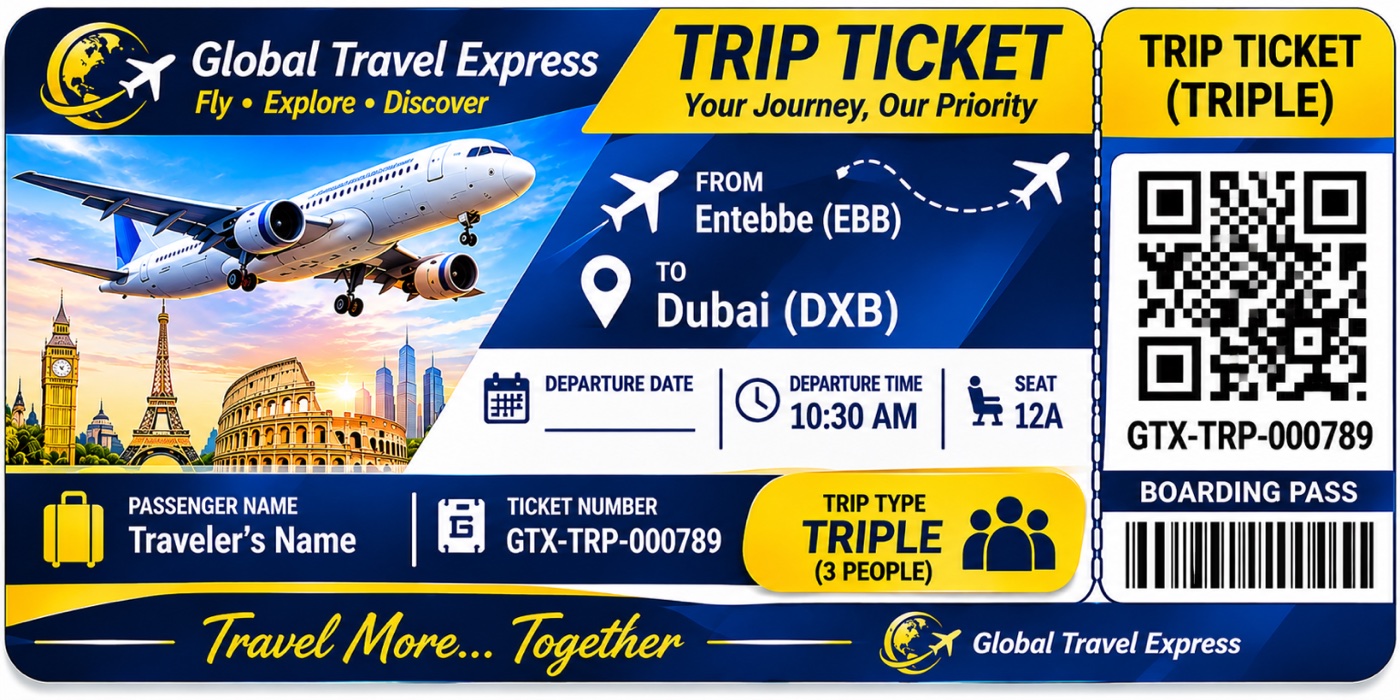

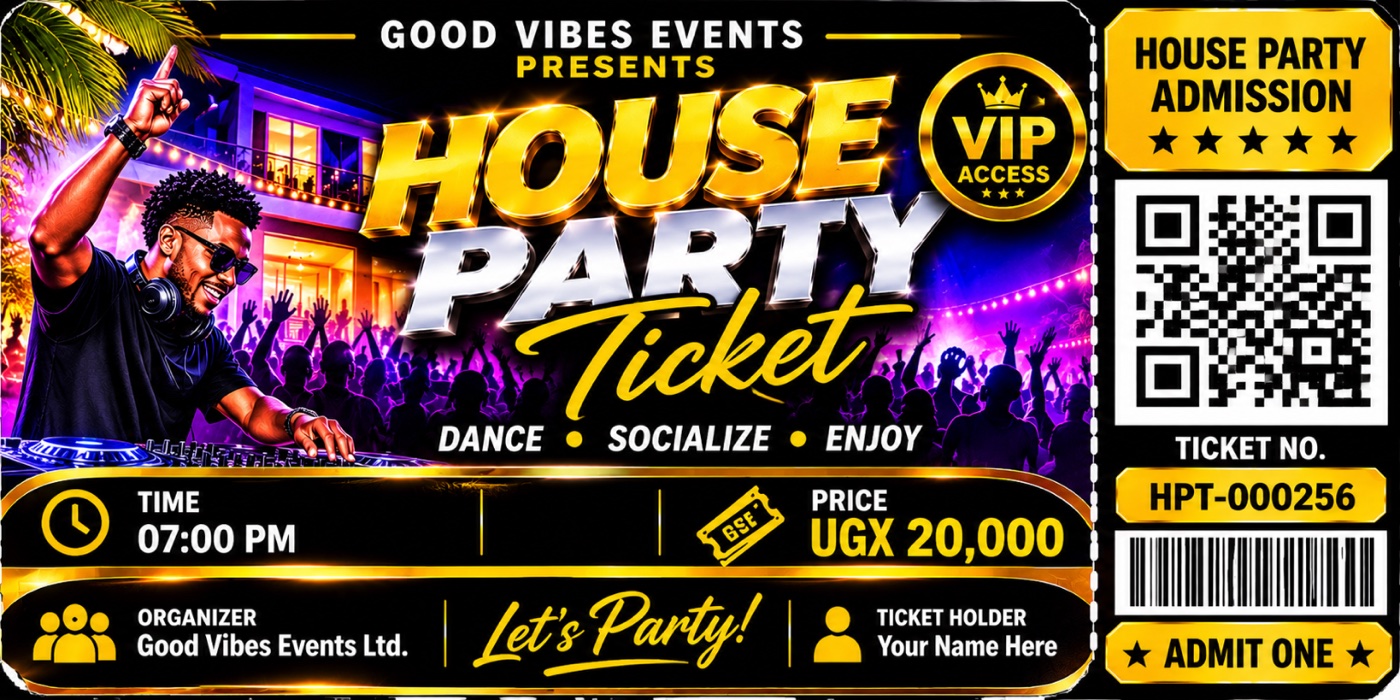
Keep the moving parts of your event together with tools designed around the organizer workflow.
Create and update event details, add the essentials, and preview your draft before it is submitted for review.
Organize ticket categories and manage availability while keeping reservations and sales activity in view.
Use digital tickets with QR codes and authorized gate staff to validate attendees at the event.
Preview your event page, paid tickets, complimentary guest e-tags, and the gate scanner that validates both.
Add your event description, date and venue.
Build your event draft, then preview its customer-facing page before submitting it for review.
 DIGITAL ADMISSION
Event date & time
Venue and location
After payment is verified, guests can access their digital ticket and present its unique QR code at the entrance.
COMPLIMENTARY GUEST ACCESS
Issue a complimentary pass for a named guest, share its secure QR link, or revoke it. Each e-tag admits one guest once.
Authorized gate staff can scan paid tickets and guest e-tags. Each pass is validated once, with manual lookup as a backup.
Product previews are illustrative. Event and ticket details are added by each organizer.
Get started with a straightforward process, with review checkpoints before your event is published.
Create an account to applyShare your information and submit the required verification documents.
Your application is reviewed before organizer access is approved.
Add event details and ticket categories, then submit your event for review.
Keep inventory in view and have authorized staff validate digital tickets at the door.
Join VDM PASS and take the next step toward a more organized event experience.